A Temporary Email You Can Reopen With a Password (No Account Needed)
26 October 2026 · TempJar
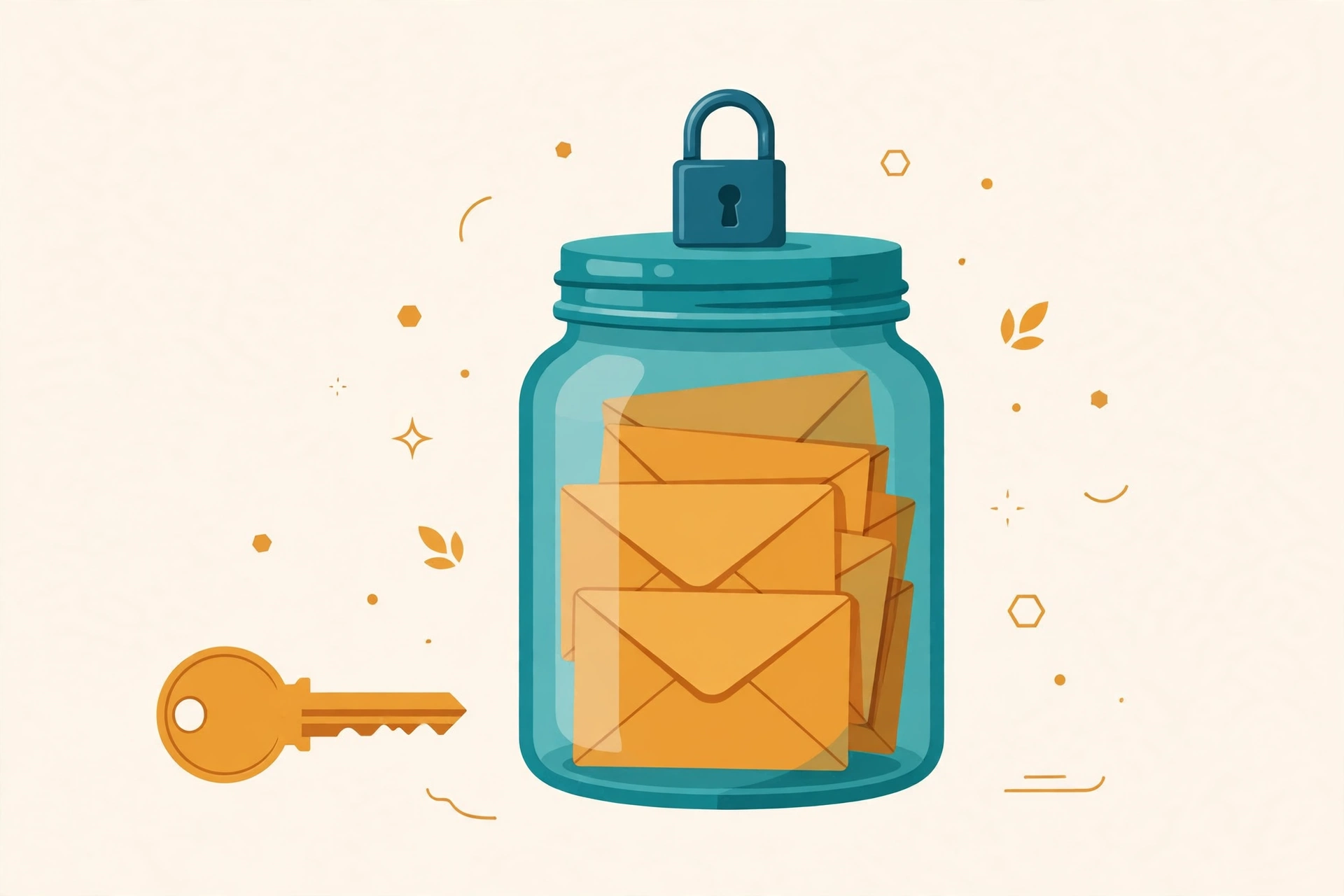
Here is the problem with most temporary email: it disappears. You get a random address, it works for ten minutes, and then it is gone — along with the confirmation code, the download link, or the second login code that arrives an hour later. A temporary email you can reopen with a password fixes that exact problem. You pick a handle, you set a password for that one inbox, and you come back to the same inbox whenever you need it. No account, no sign-up form, no app to install.
How a password-reopen inbox works
- Go to TempJar and choose a custom handle, for example
your-name@jarinbox.com. Handles must be at least 3 characters. - Set a password just for that inbox. That password is the key — it is stored only as a secure hash, never in plain text.
- Use the address anywhere you would use a throwaway: a trial, a newsletter, a download, a low-stakes sign-up.
- Close the tab. Tomorrow, next week, or months later, go back to TempJar, type the same handle and the same password, and the inbox opens again — with its messages still there.
TempJar checks for new mail every minute, and an open inbox refreshes automatically, so a resend or a second code usually shows up within about a minute of being sent.
Why reopening beats a 10-minute inbox
A 10-minute inbox is built for one action and then it self-destructs. Real sign-ups rarely work that way. A site asks you to verify, then asks again when you log in from a new device. A trial asks for a confirmation, then sends a receipt, then a "your trial ends soon" email. A newsletter you actually wanted turns into a weekly read you want to check back on.
With a password-reopen inbox, none of that breaks. The address stays the same, so the sender keeps delivering to the same place, and you keep the history. That is also why a custom handle matters: a random string like xq7z9@ is easy to mistype and impossible to remember, while a handle you chose is one you can type correctly on a second device.
How long can you keep it?
On TempJar, a password-claimed inbox lasts 6 months by default without any account at all. If you create a free vault account and claim the inbox into it, it never expires — and claiming it later revives an inbox that already expired, with its messages still stored. Messages themselves are never auto-deleted; only you, or an admin for abuse, can delete them. That combination — a throwaway address with a keeper's lifespan — is the whole idea behind the name TempJar: an inbox kept in a jar, not thrown away after ten minutes.
Compare that with the usual options before you choose. A 10-minute inbox is fine for a single download you will never revisit. A random-address inbox that lasts an hour is fine for a one-off verification. A password-reopen inbox is the right tool when you expect a second message, a resend, or a return visit — which, for trials, newsletters and app testing, is most of the time.
What a password-reopen inbox is NOT for
Do not use a temporary address — reopenable or not — for banking, government services, password recovery for important accounts, or any account you cannot afford to lose. Some sites reject temporary addresses outright, and a forgotten inbox password without a vault account cannot be recovered. TempJar is for low-stakes sign-ups, trials, newsletters and testing, where the real cost of using your real email is spam. Read the full Terms & Disclaimer on the homepage footer before relying on it for anything important.
Tips for using it well
- Save the password in a password manager. The password is the only way back in without a vault account.
- Use one handle per purpose. One for trials, one for shopping, one for newsletters — so you can search one inbox instead of digging through everything.
- Do not share the password. Anyone who holds it can open that inbox, so treat it like a key.
- Wait about a minute for mail. If a code has not arrived, check the sender and the handle spelling before requesting a resend.
Frequently asked questions
Do I need an account to reopen a TempJar inbox?
No. A handle plus its inbox password is enough, for 6 months. A vault account is optional, and it is what makes an inbox last forever.
Is a password-protected temporary email safe?
For low-stakes use, yes — with the limits above. Passwords are stored only as hashes, messages are never sold, and you should never reuse a weak password or use the inbox for anything important.
Can I use the same reopenable address on several sites?
Yes. That is the point: one handle, reopenable with its password, for every trial or newsletter you do not want in your real inbox. For more on codes specifically, see Temporary Email for OTP Verification.
Try it free: Create your TempJar inbox → — pick a handle, set a password, and reopen the same inbox whenever you need it.